How to Receive Thank You Messages by Email
Last updated: June 15, 2026
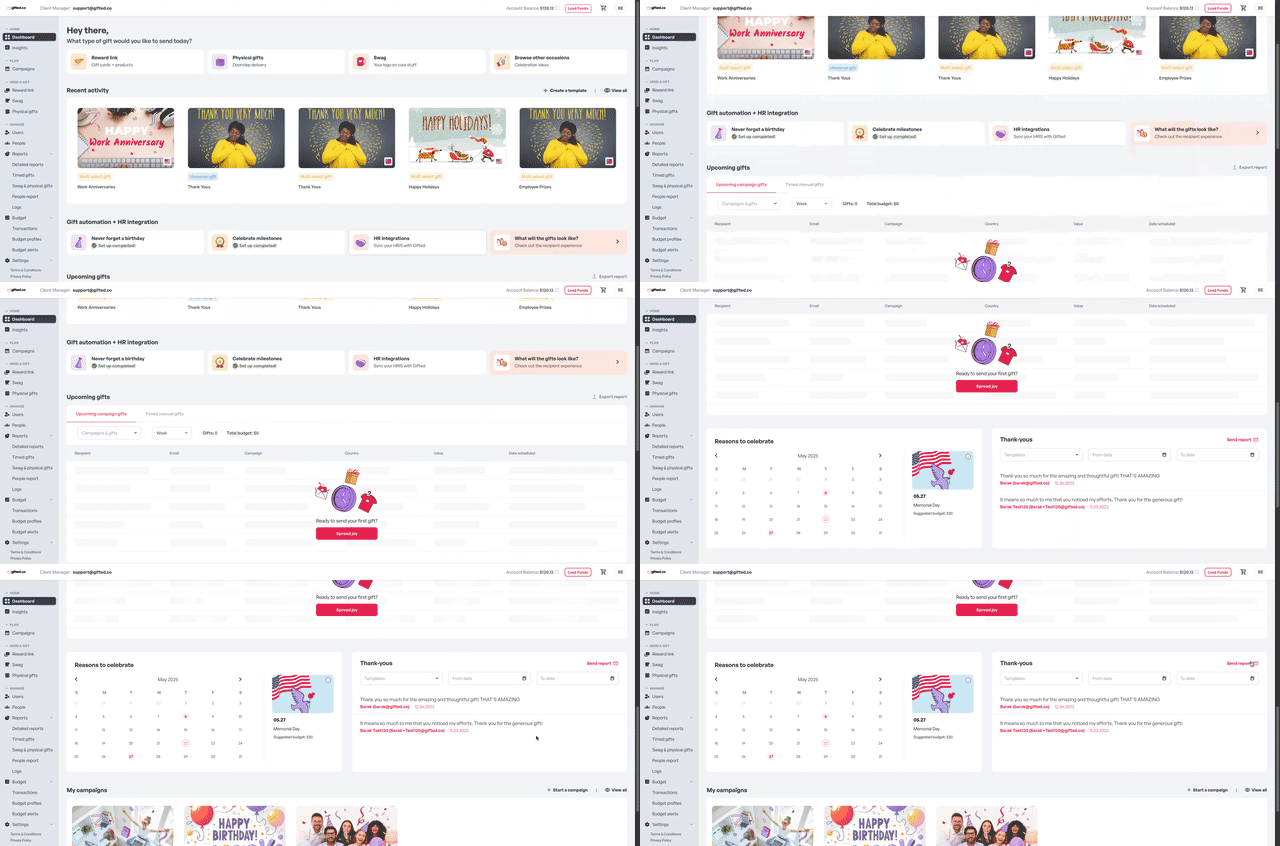
Step 1: Go to the Thank-yous Block
Log in to your account and open your dashboard. Click the Thank-yous block.
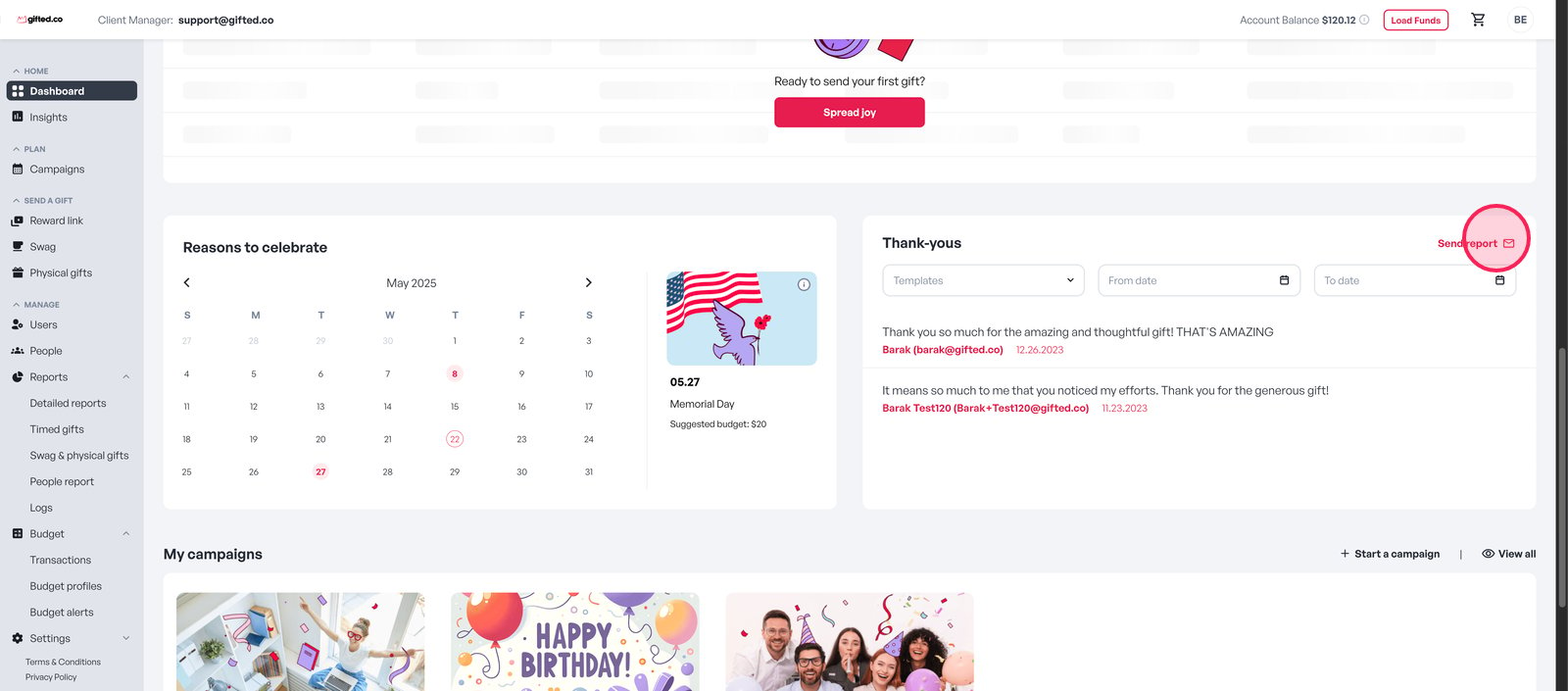
Step 2: Click "Send Report "
In the Thank-yous section, select Send Report.
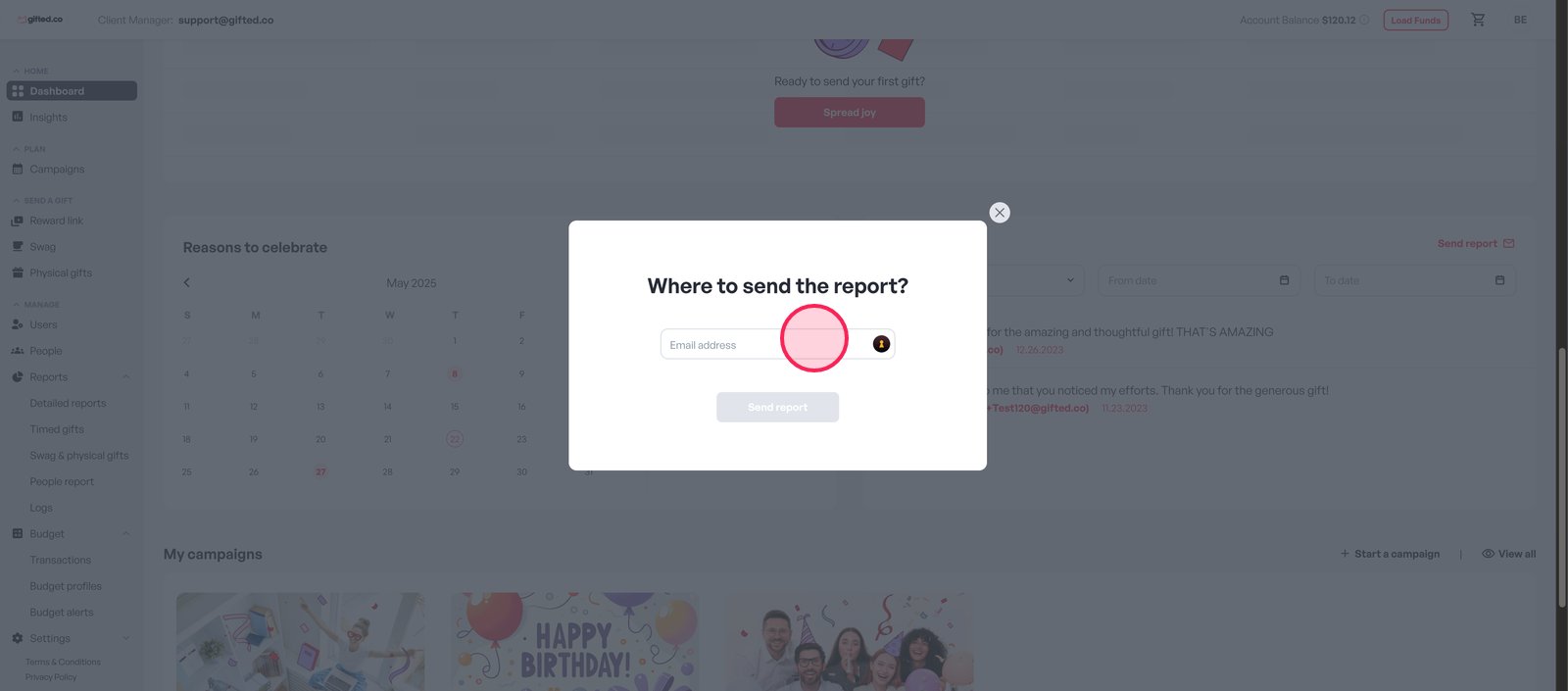
Step 3: Enter the Recipient's Email
Type the email address where you want the thank-you report to be sent.
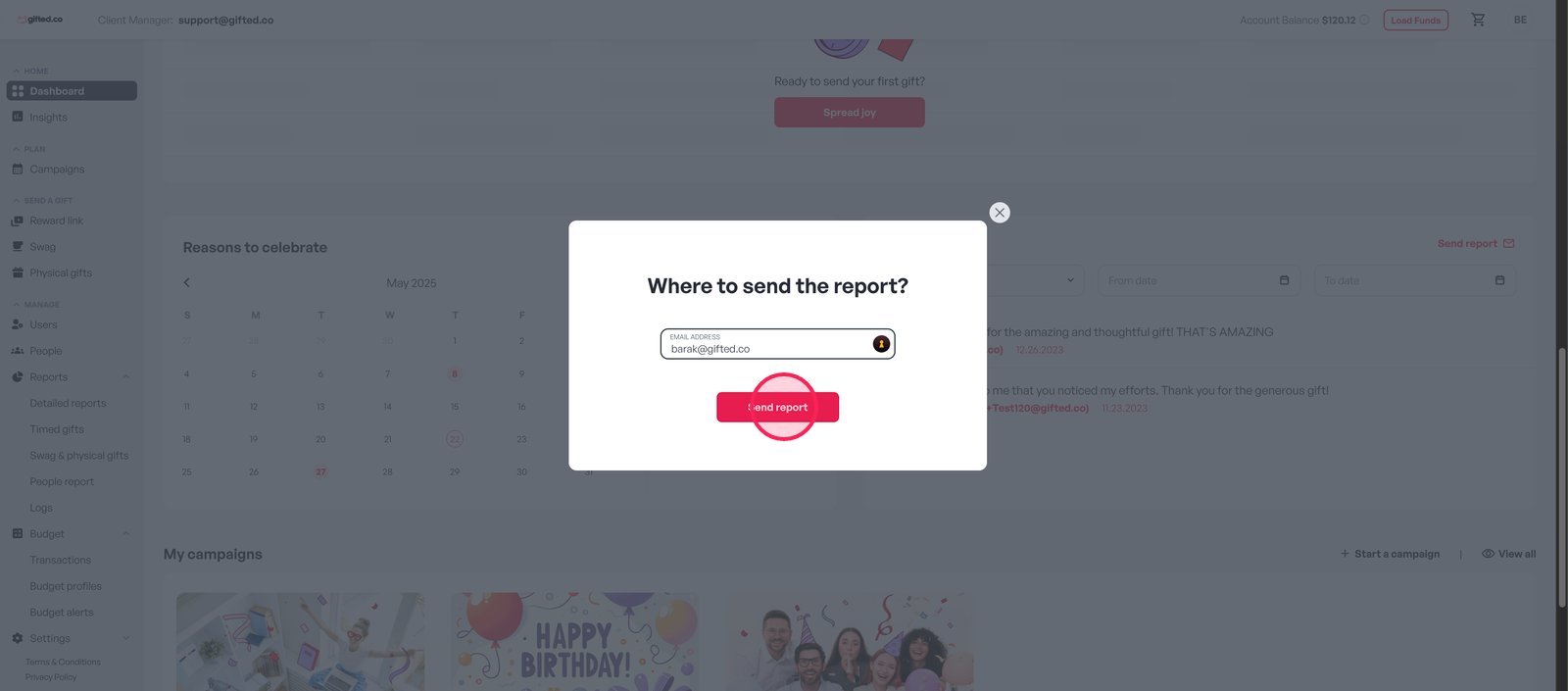
Step 4: Send the Report
Click Send Report to deliver a summary of all appreciation messages directly to the recipient’s inbox.
And that’s it - your Thank-yous report is on its way!